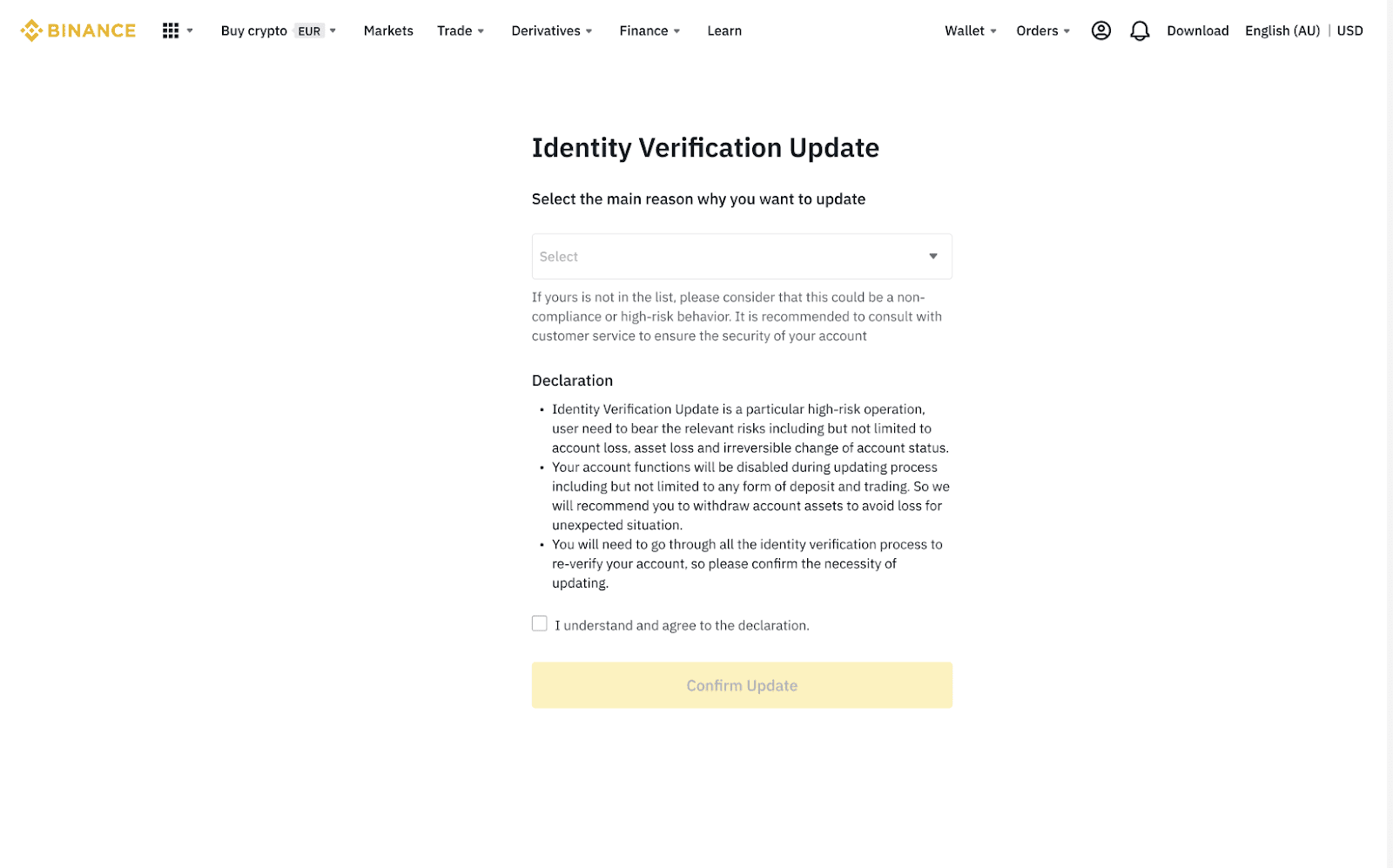
Important notes (Click to expand):
If your global account has not completed the KYC process, kindly create a new account on Binance Japan instead of proceeding with the authentication process for your current global account.
Should you have any questions or concerns, please do not hesitate to contact Binance Customer Support
If you see that option when verifying your account, you can choose [My Number Card (IC Touch)] and proceed accordingly.
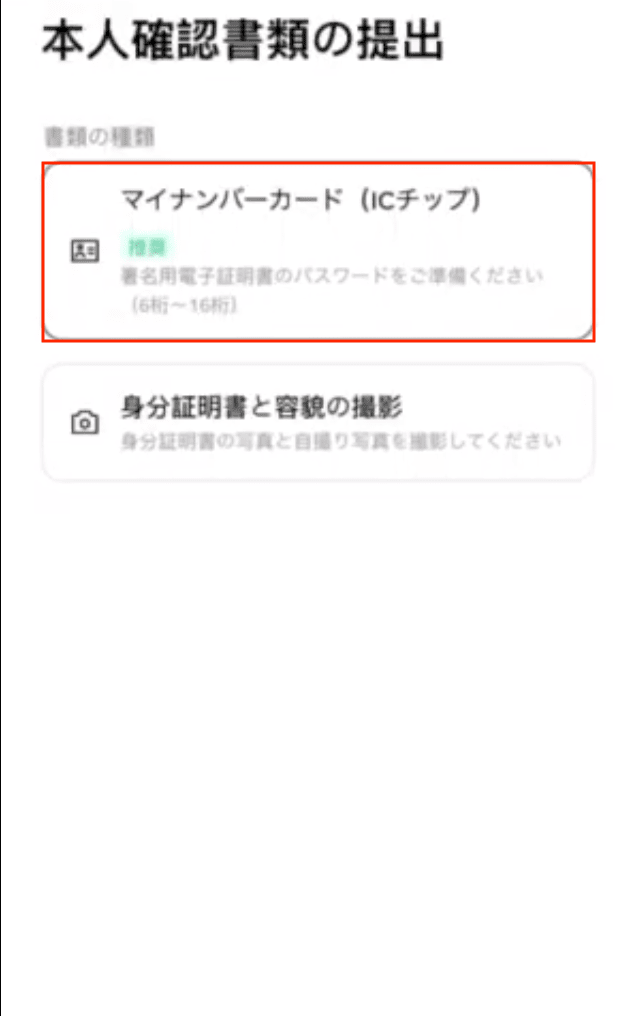
If you encounter any issues with this verification method, please follow the normal process with ID verification as described below.
Should you have any questions or concerns, please do not hesitate to contact Binance Customer Support
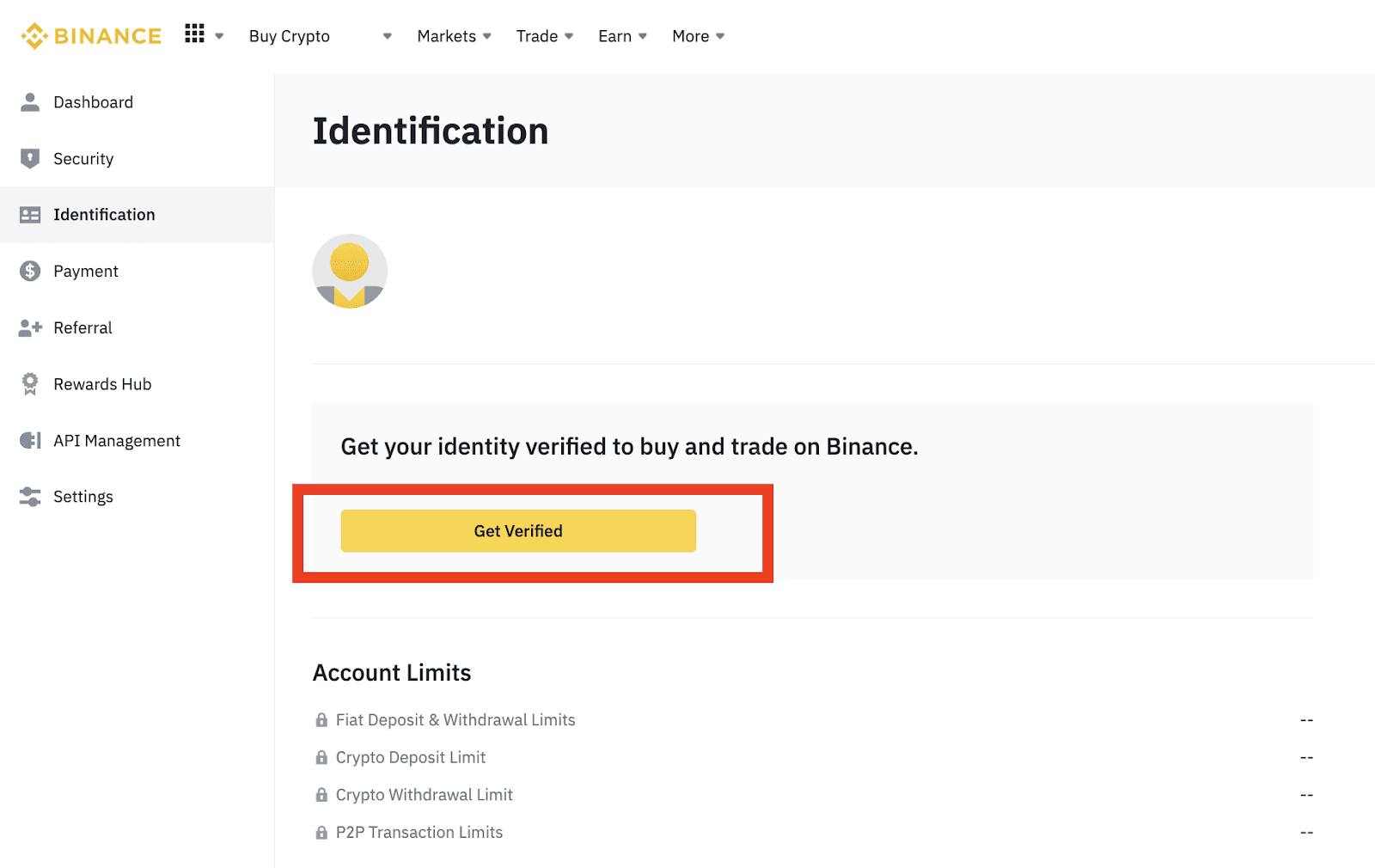
1. Log in to your Binance JP account and click [Profile] - [Identification].
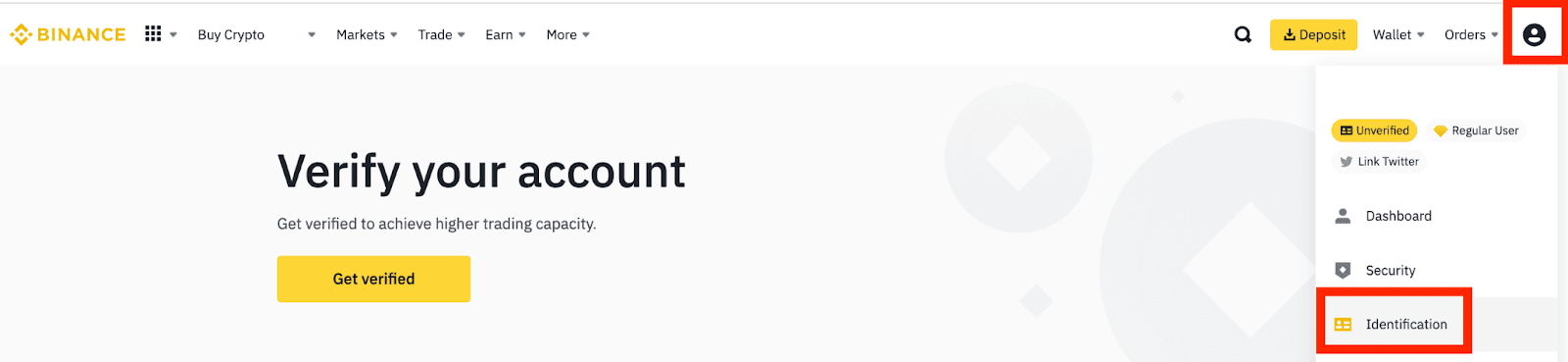
2. Click [Get Verified].
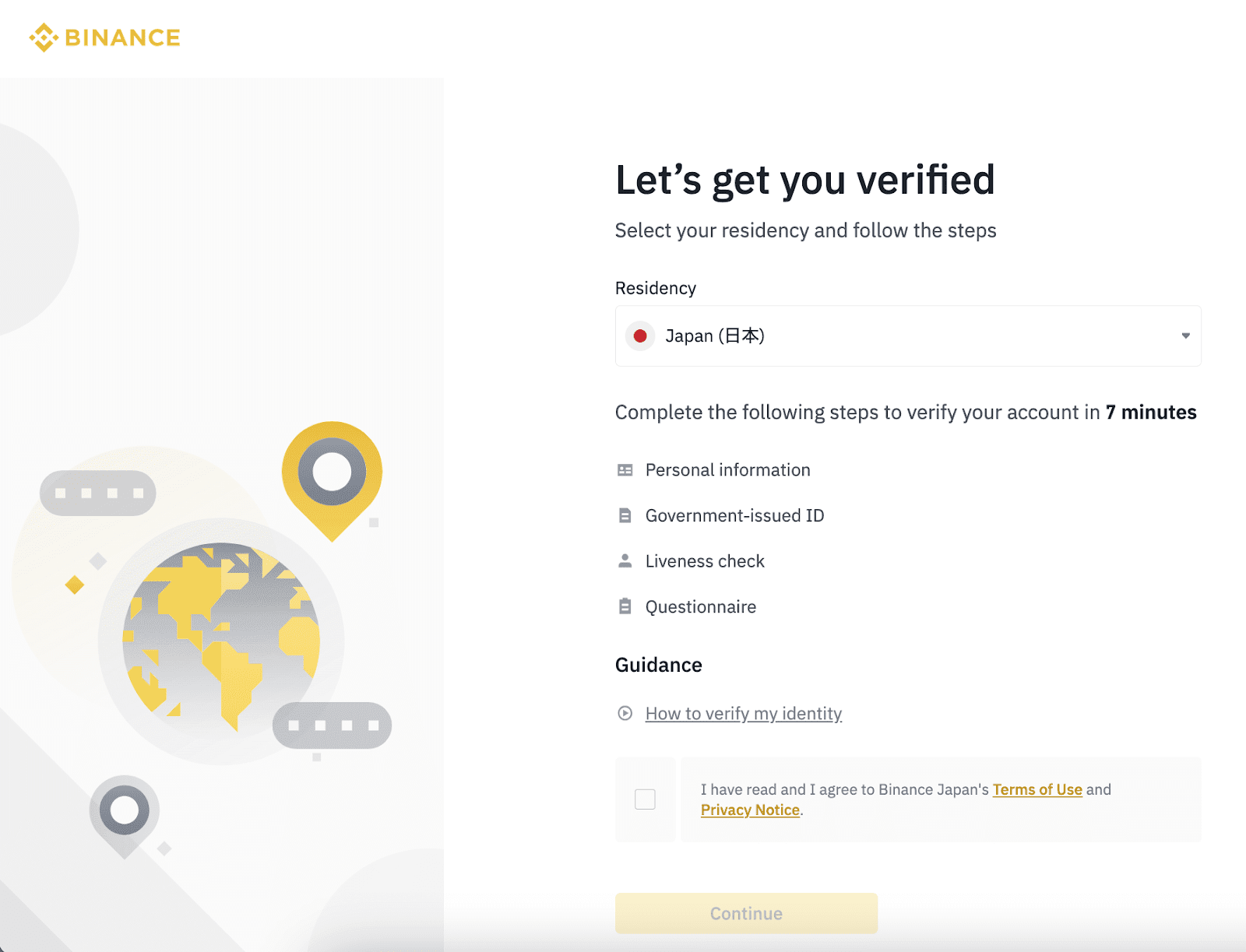
3. Select your country of residence. Please ensure that your country of residence is consistent with your ID documents.
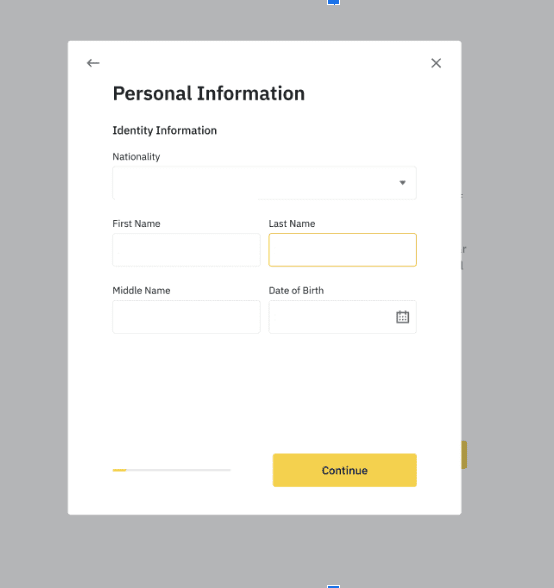
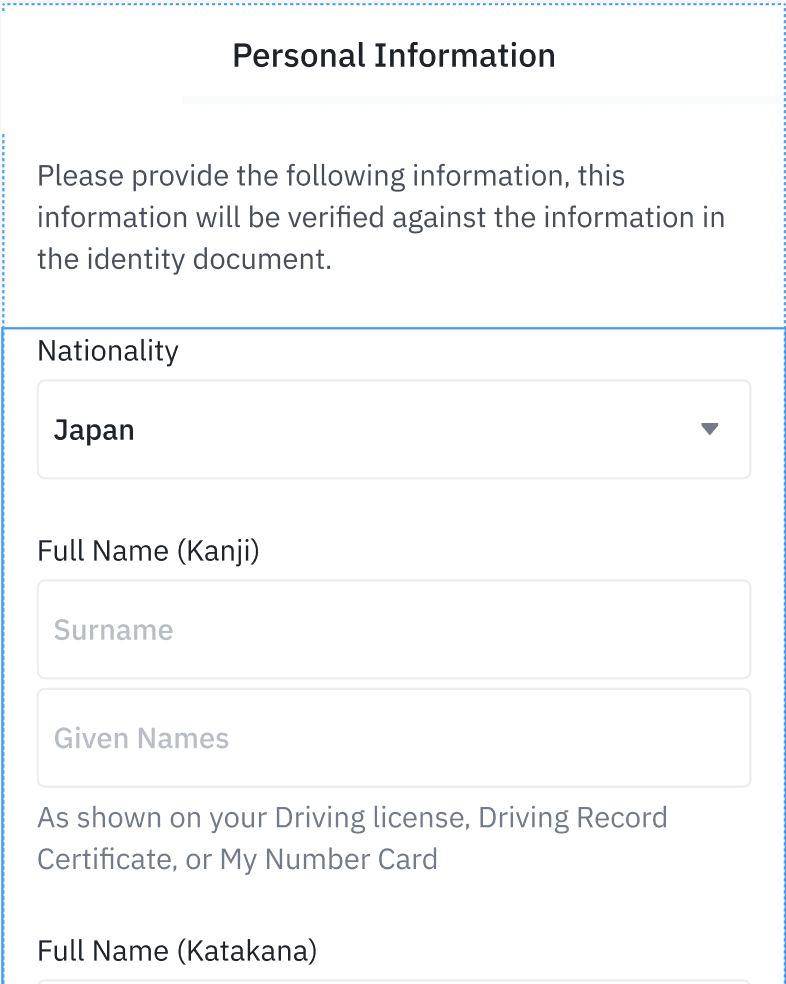
4. Enter your personal information and click [Continue].
4.a For users who select Japan as nationality, please fill in name in Kanji, Katakana and Latin
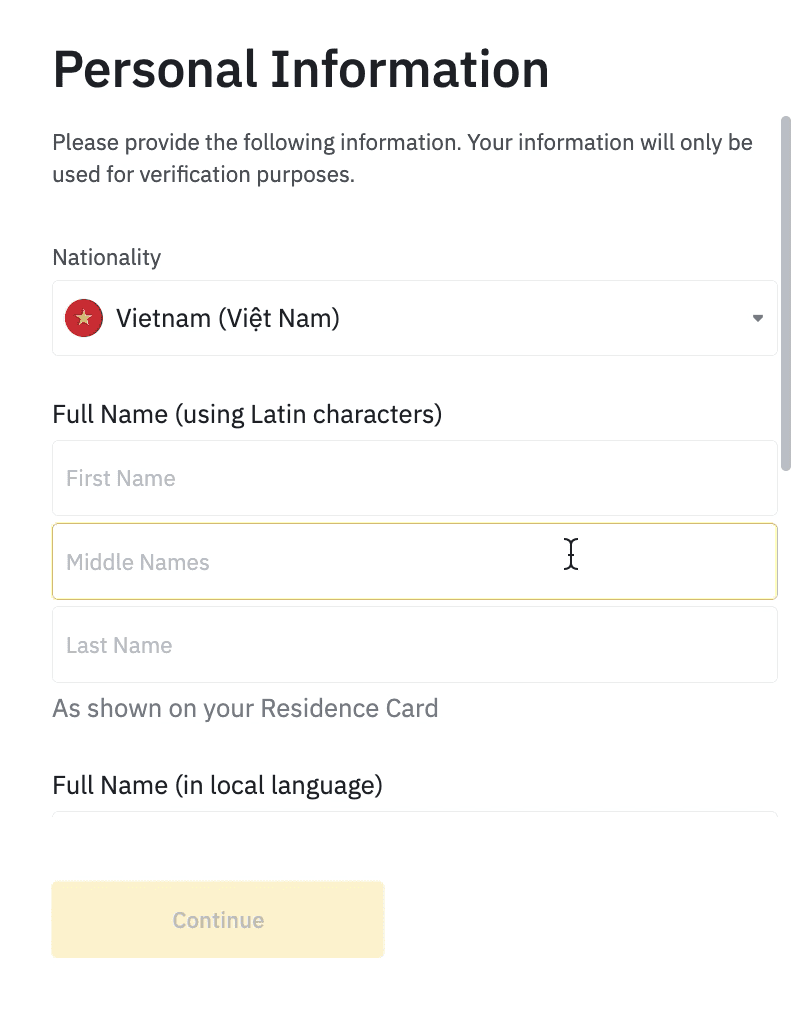
4.b For users who select other countries as nationality, please fill in your names in Latin & local language and Katakana as registered in your bank account
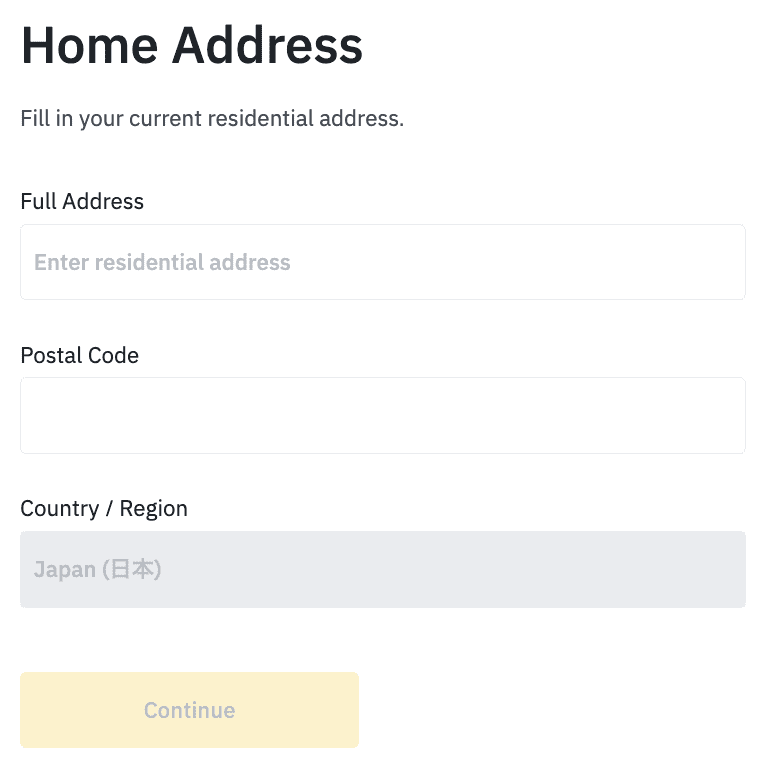
5. Next, you’ll need to verify your ID documents.
Once press continue button > User will be complete whole identity verification steps via [LIQUID eKYC] - LIQUID eKYC page
In case, your device doesn’t have a camera, please click the QR code as a remark and continue to verify your account via Mobile phone.
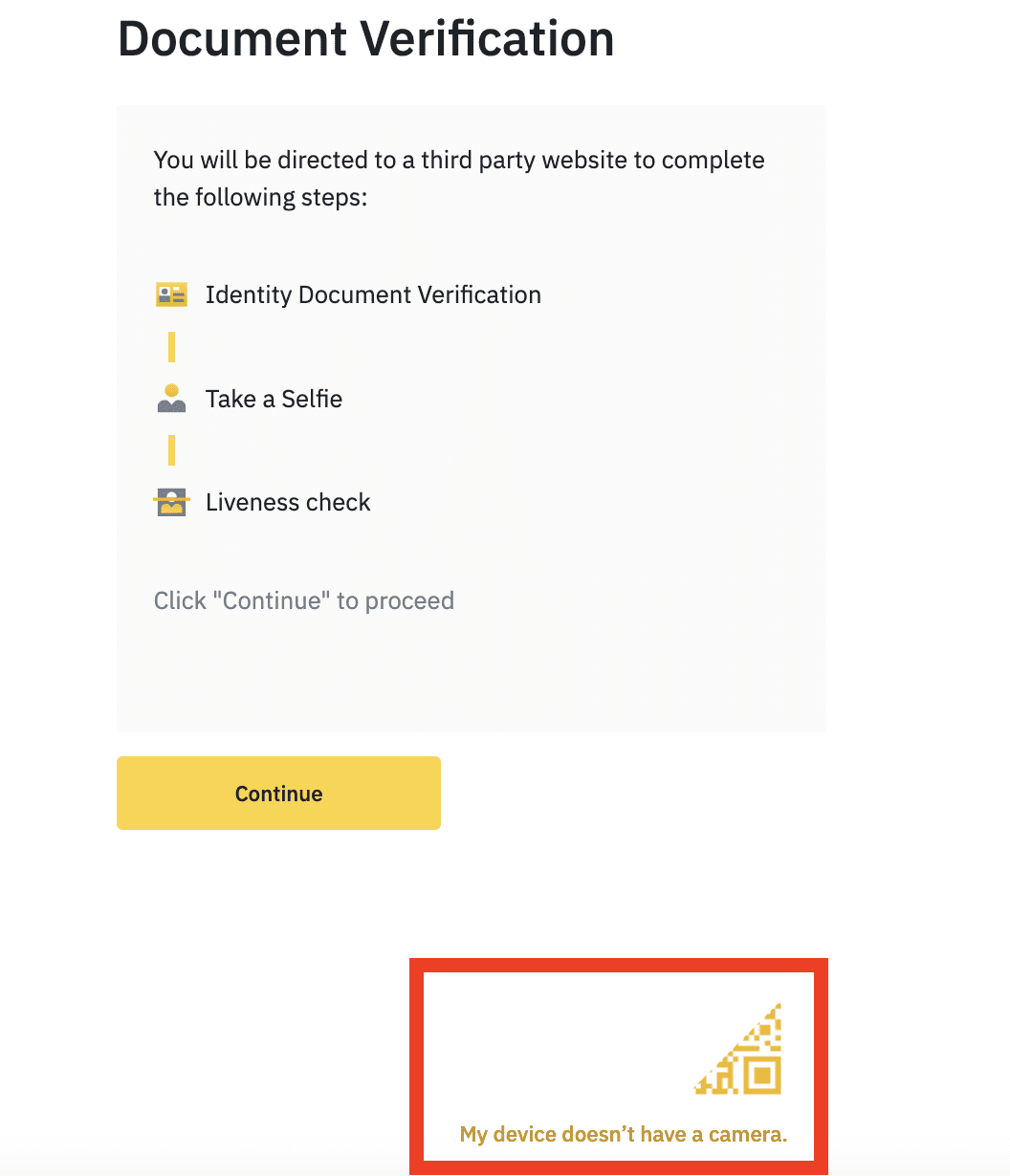
On LIQUID eKYC page
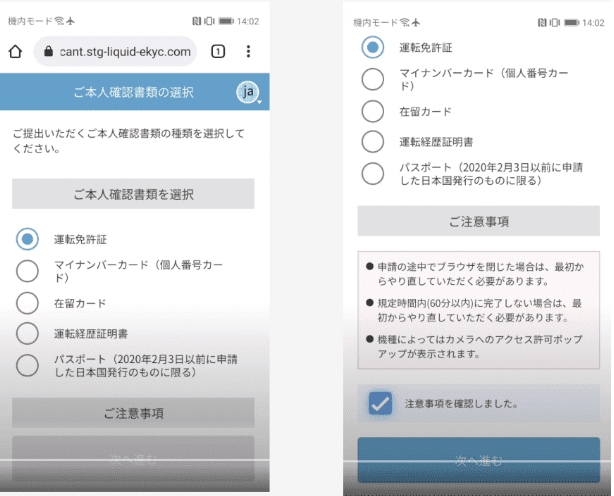
6. Document verification:
You’ll see the list of acceptable documents for Binance Japan: My number card, Driving License, Driving History Certification for Japanese and Residence Card for foreigners.
Choose a document type and click [Continue].
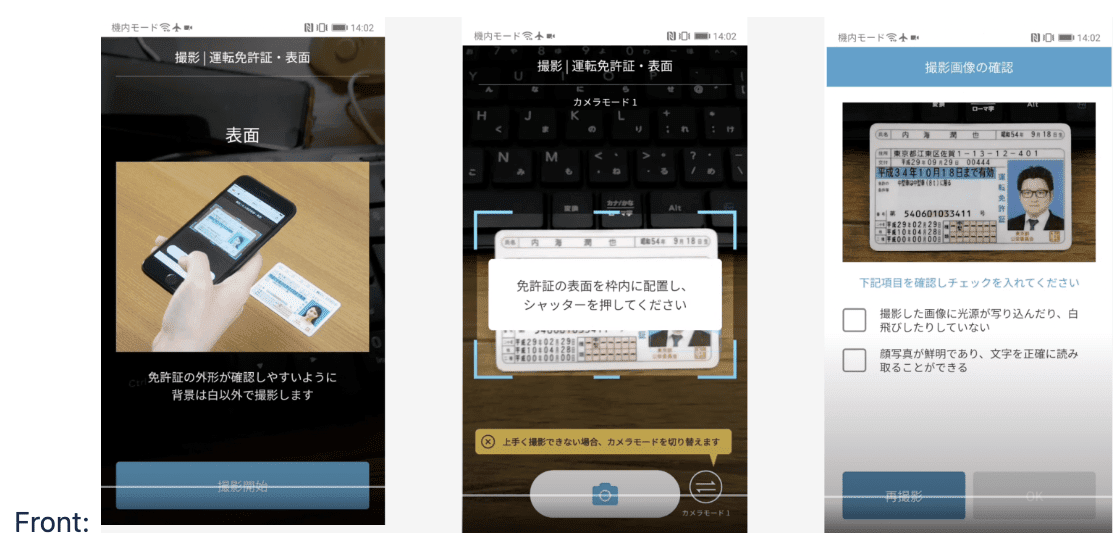
You will need to take 3 sides of the ID docs = Front, top and back
7. Follow the instructions to upload photos of your document. Your photos should clearly show the full ID document.
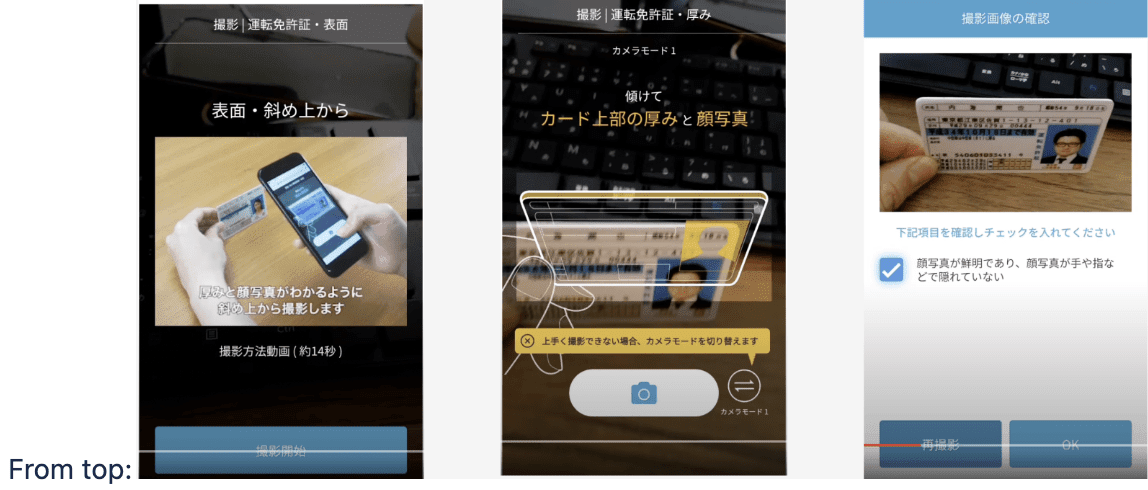
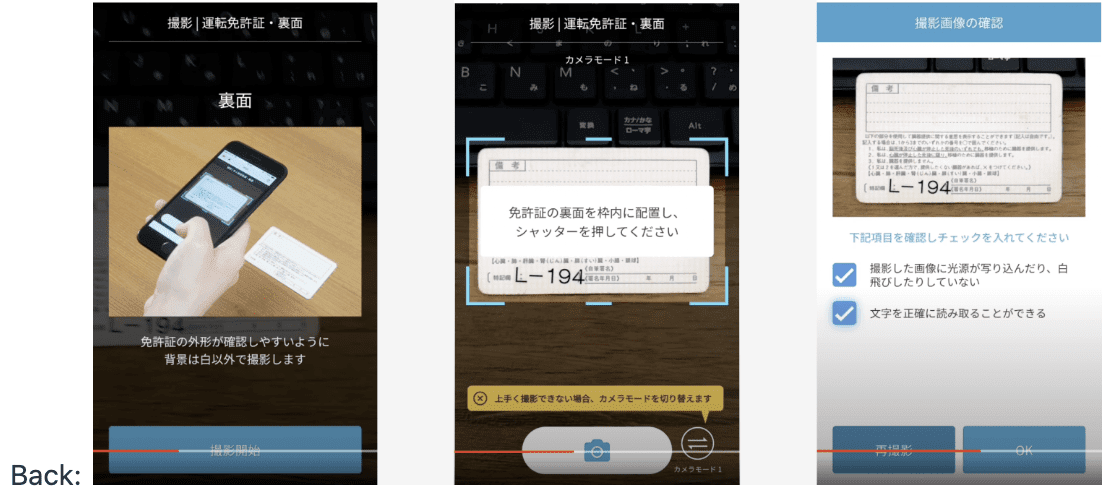
8. You’ll need to upload a selfie. Follow the instructions to take a photo of yourself.
Note:
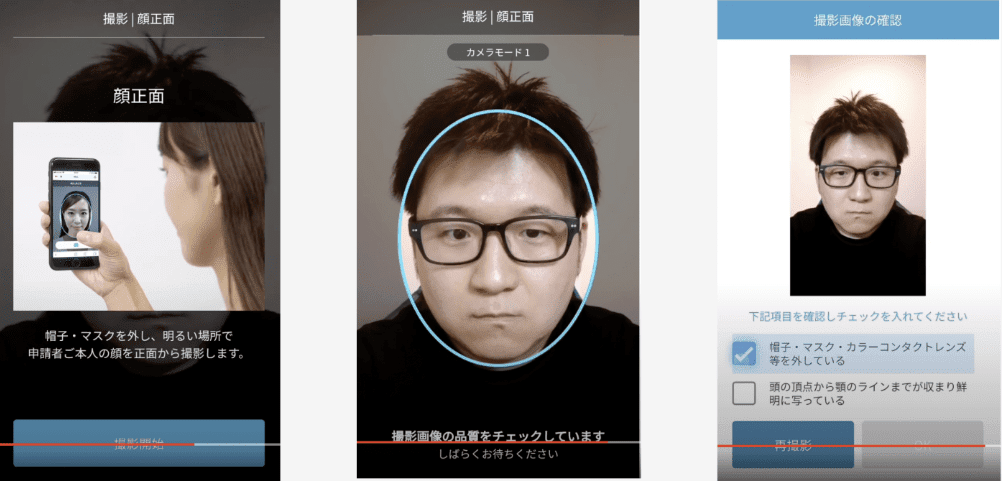
9. You’ll also need to complete a Liveness check for facial recognition. Click [Continue] to complete it on the current device.
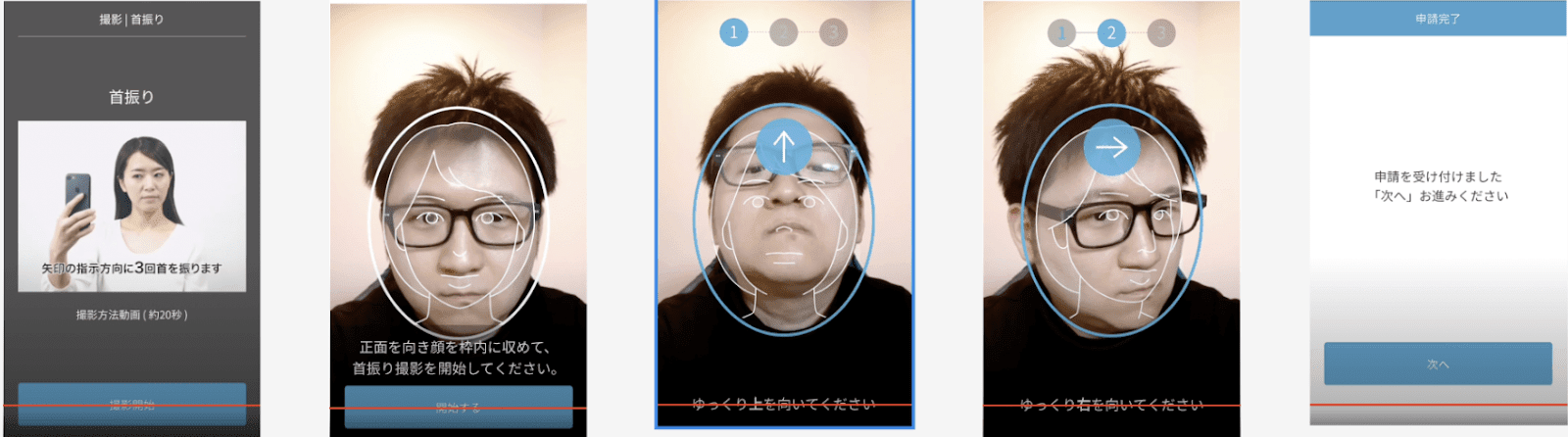
10. Next, please answer the questionnaires
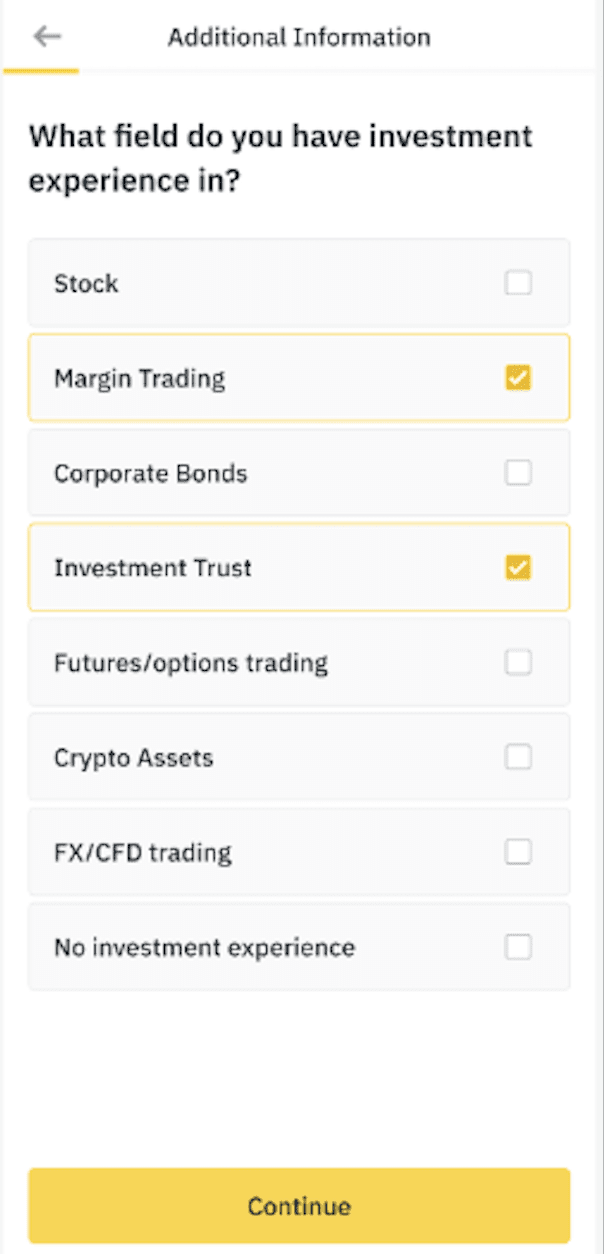
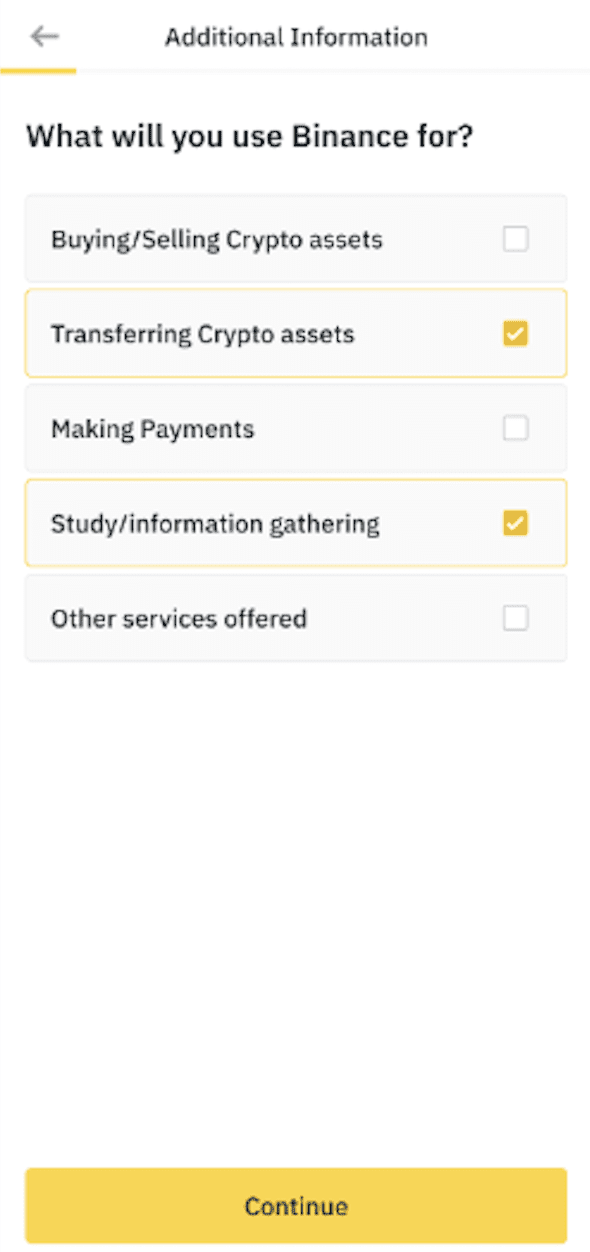
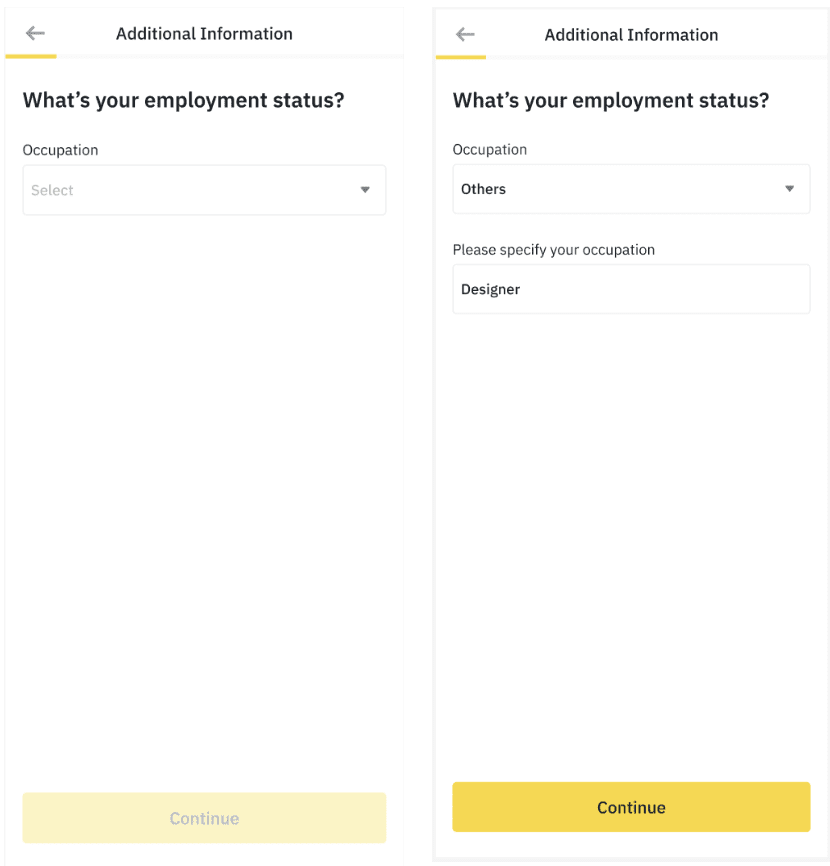
Q4.a If you are not an insider, please choose "No, I am not an insider"
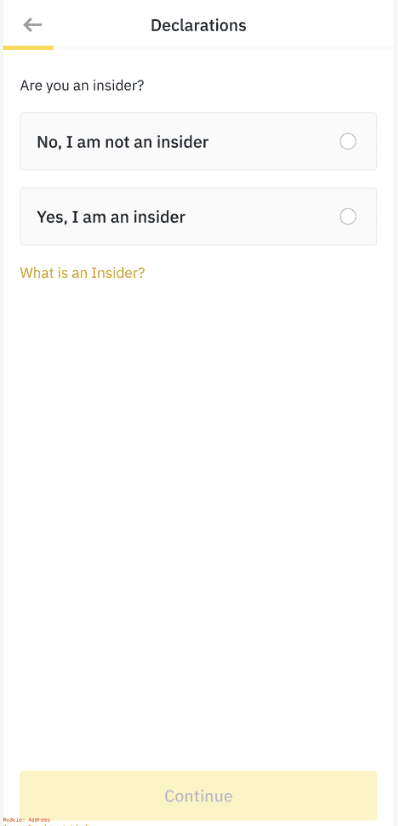
Q4.b If you are an insider, please choose "Yes, I am an insider", you will need to read the declaration and tick the checkbox.
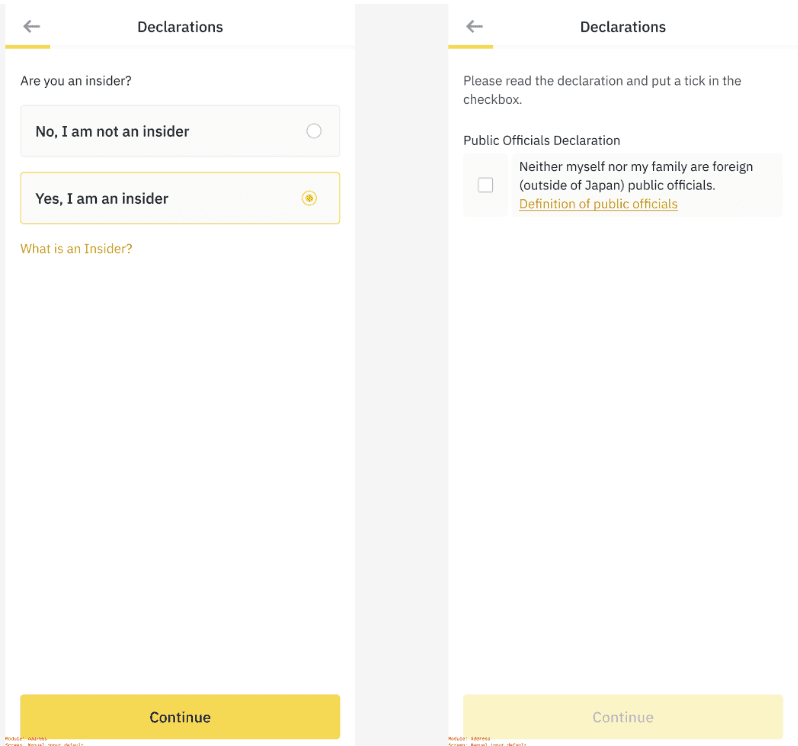
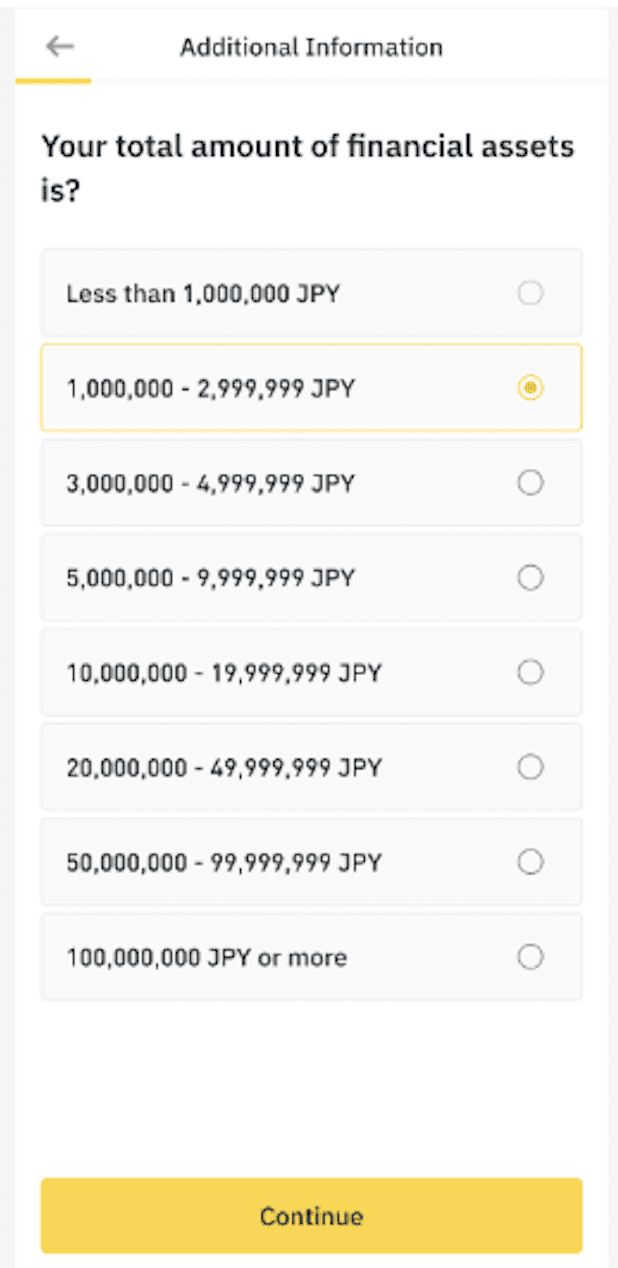
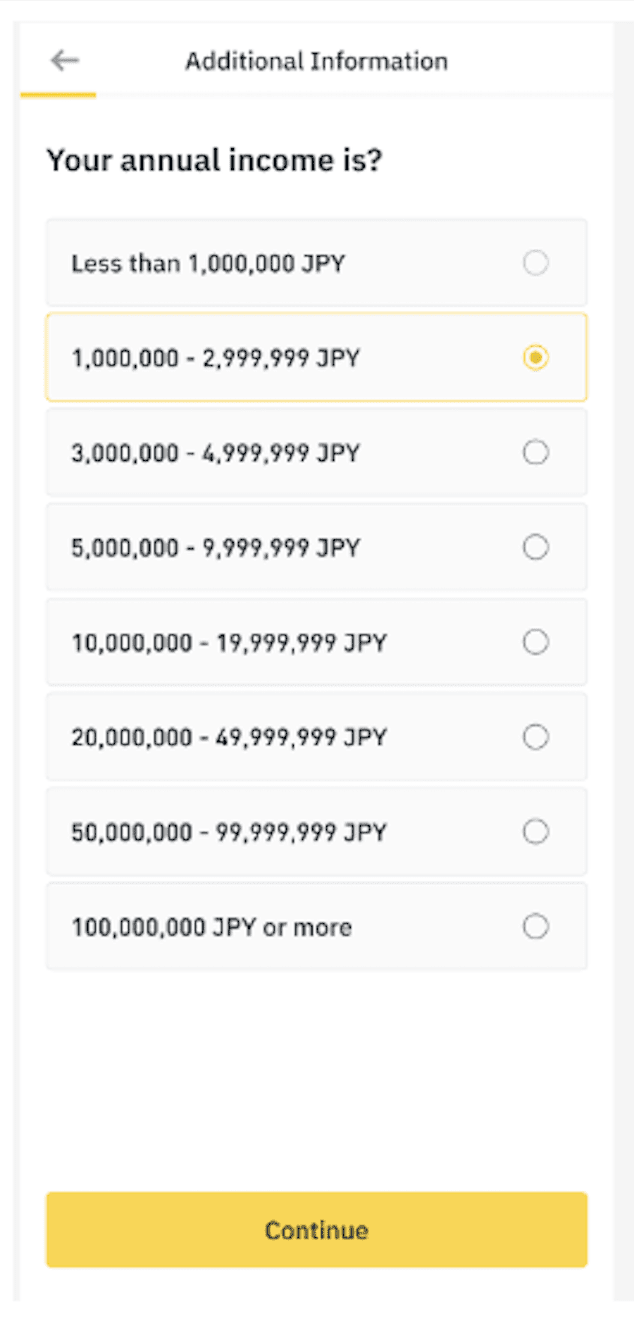
You need to declare if you or your family members are foreign public officials and confirm the tax resident country.
The OECD (Organization for Economic Cooperation and Development) has published the “Crypto-Asset Reporting Framework (CARF)” to prevent international tax avoidance using crypto-assets. Countries including the Japanese Government have announced the implementation of this framework, which will enable the automatic exchange of crypto-asset transaction information concerning non-residents between national tax authorities.
Binance Japan, as a cryptoasset exchange service provider, is required to collect prescribed information, which may include tax ID and a mandatory self certification in order to comply with the local regulations.
If you are living in Japan and a tax resident of Japan only, please check ‘I live in Japan and am a tax resident of Japan only.’ and click [Continue] to submit.
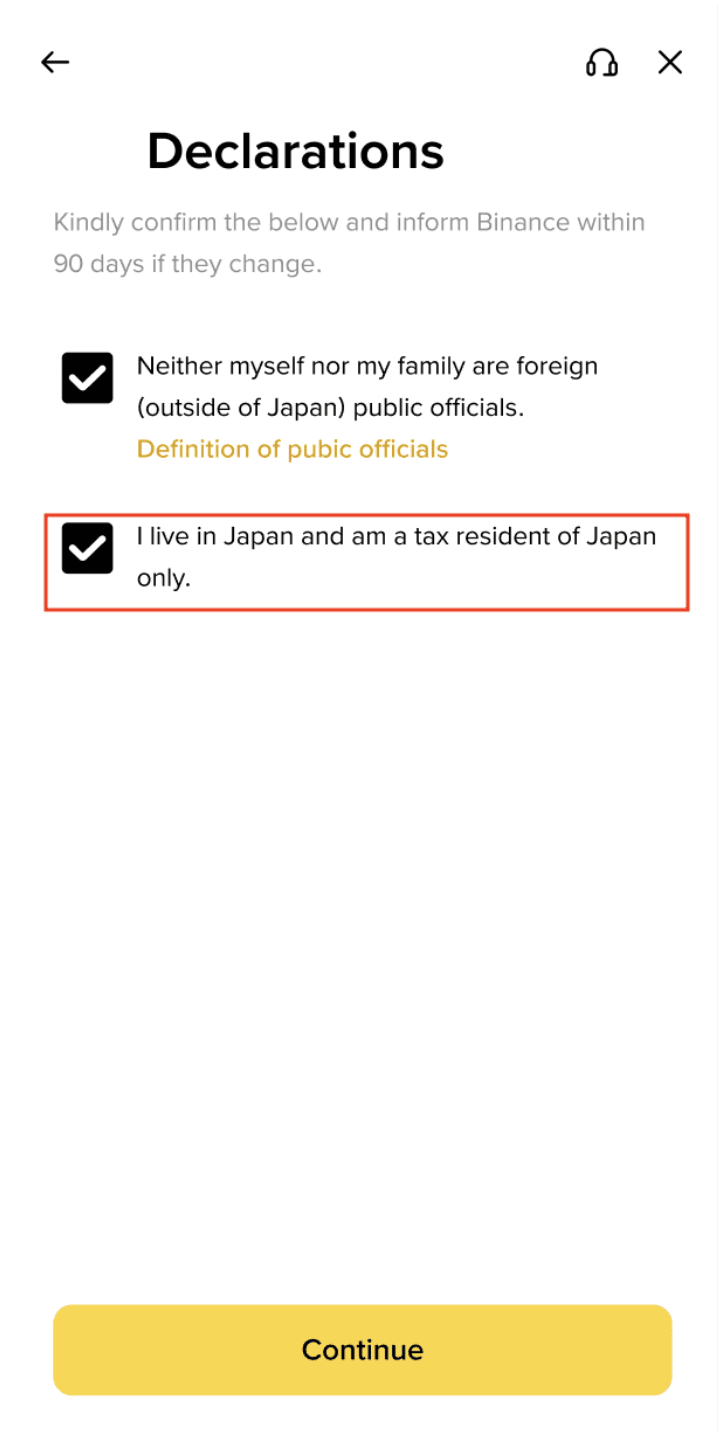
If you are not a tax resident of Japan, please do not check the second box and choose the Tax Residence outside Japan and Tax ID Number in that country. If the Tax ID Number format is not formatted correctly, it can not be processed.
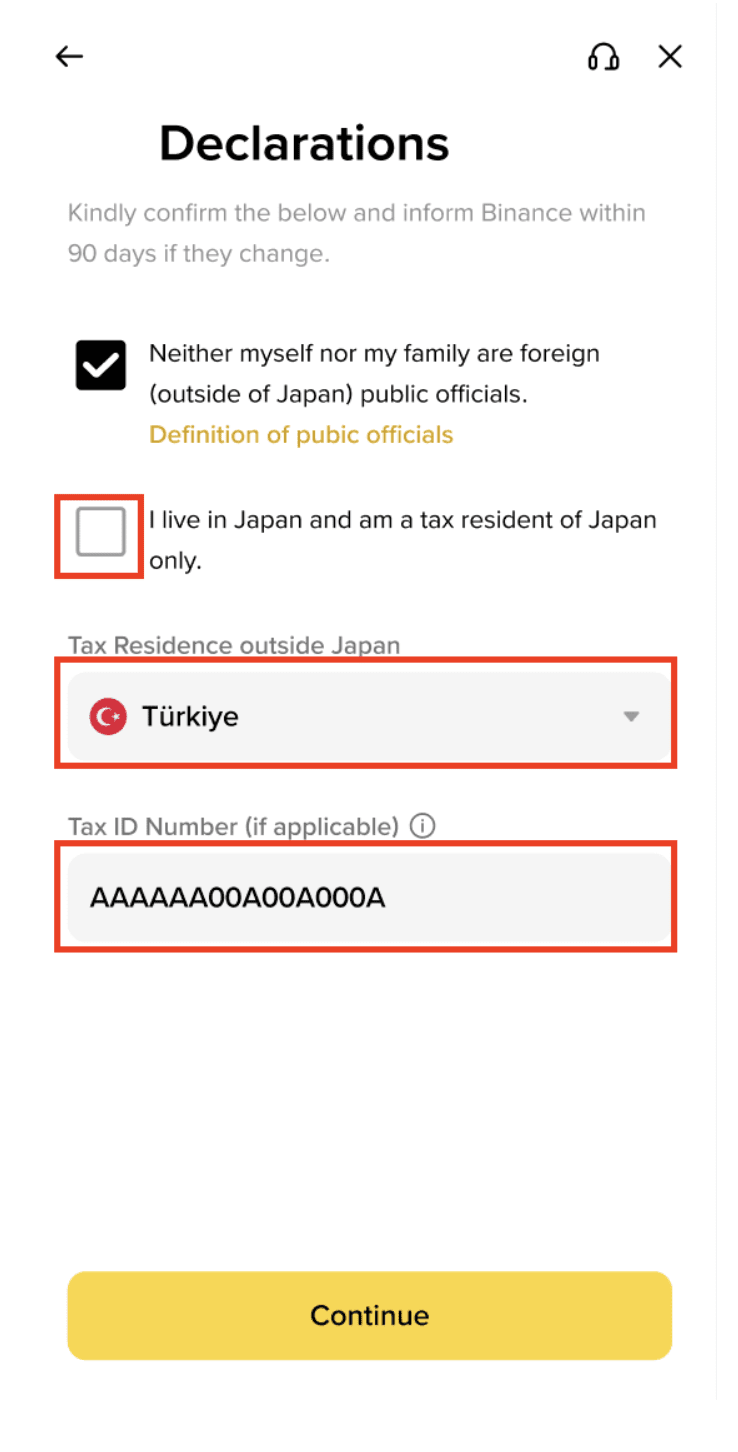
Important Note: Please choose the relevant option and input correct information as it cannot be unchosen after you submitted. Please contact Binance Customer Support if there are any mistakes while processing.
11. Binance JP will review your data in a timely manner. Once your application has been verified, we will send you an email notification.