If you’ve ever opened an account with a cryptocurrency exchange, you have likely had to complete a KYC check. KYC requires financial service providers to identify and verify their customers. This could be through official identification, such as a government-issued ID or visa.
These checks are done as part of the financial institutions' (in this case, Binance Australia) Anti-Money Laundering/Combating the Financing of Terrorism (AML/CFT) compliance efforts. These checks improve trust in the industry and help financial service providers to manage their risks.
Once you have created a Binance account, visit the homepage and click [Get Verified] or directly access the Identity Verification dashboard here.
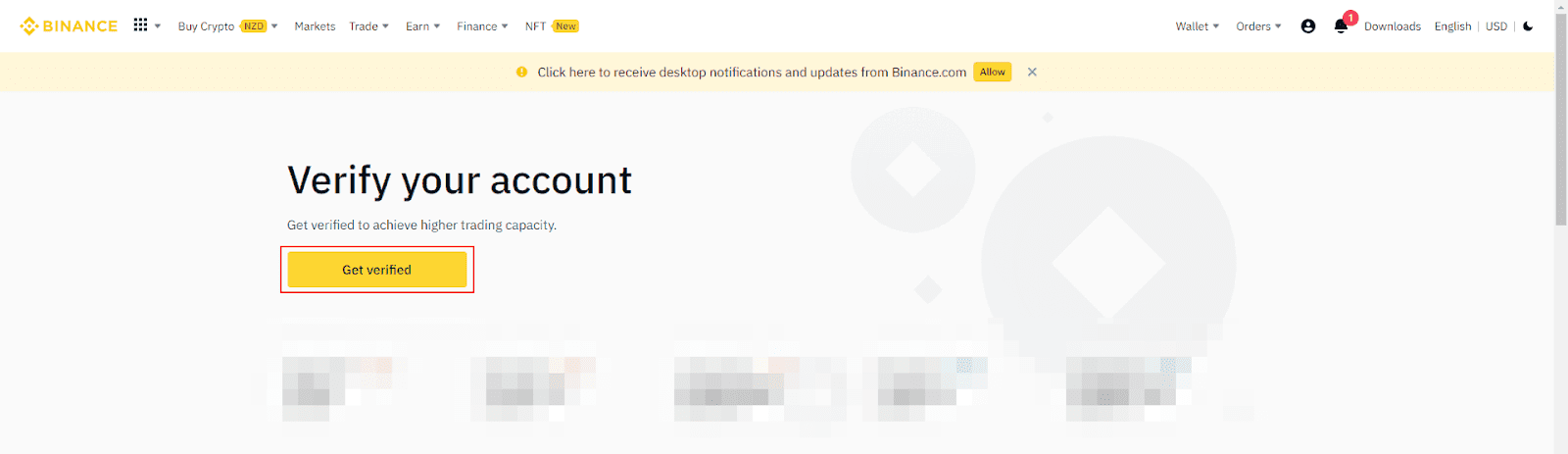
1. Select [Australia] as your country of residence and click [Continue].
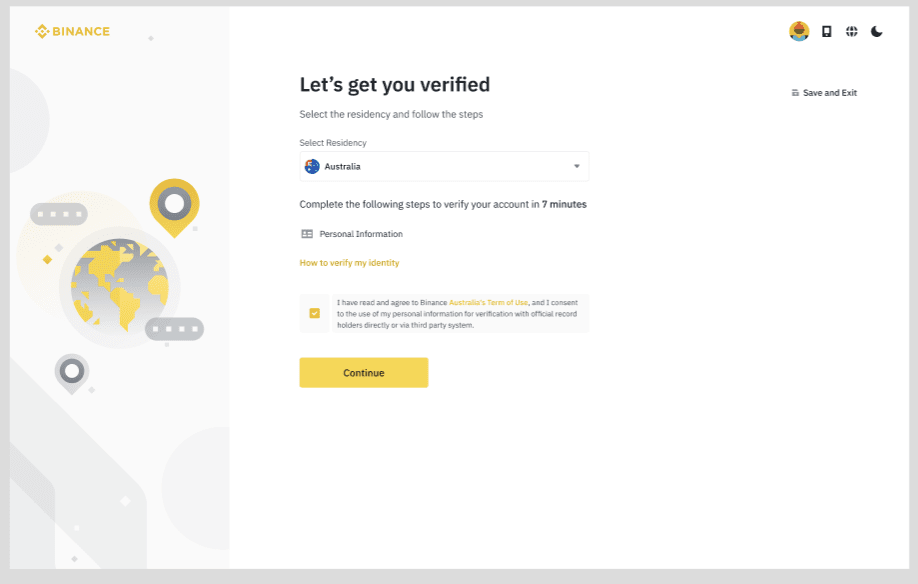
2. Enter your First, Middle and Last Name and Date of Birth as it appears on your identity documents and click [Continue], then enter your Residential Address and click [Continue].

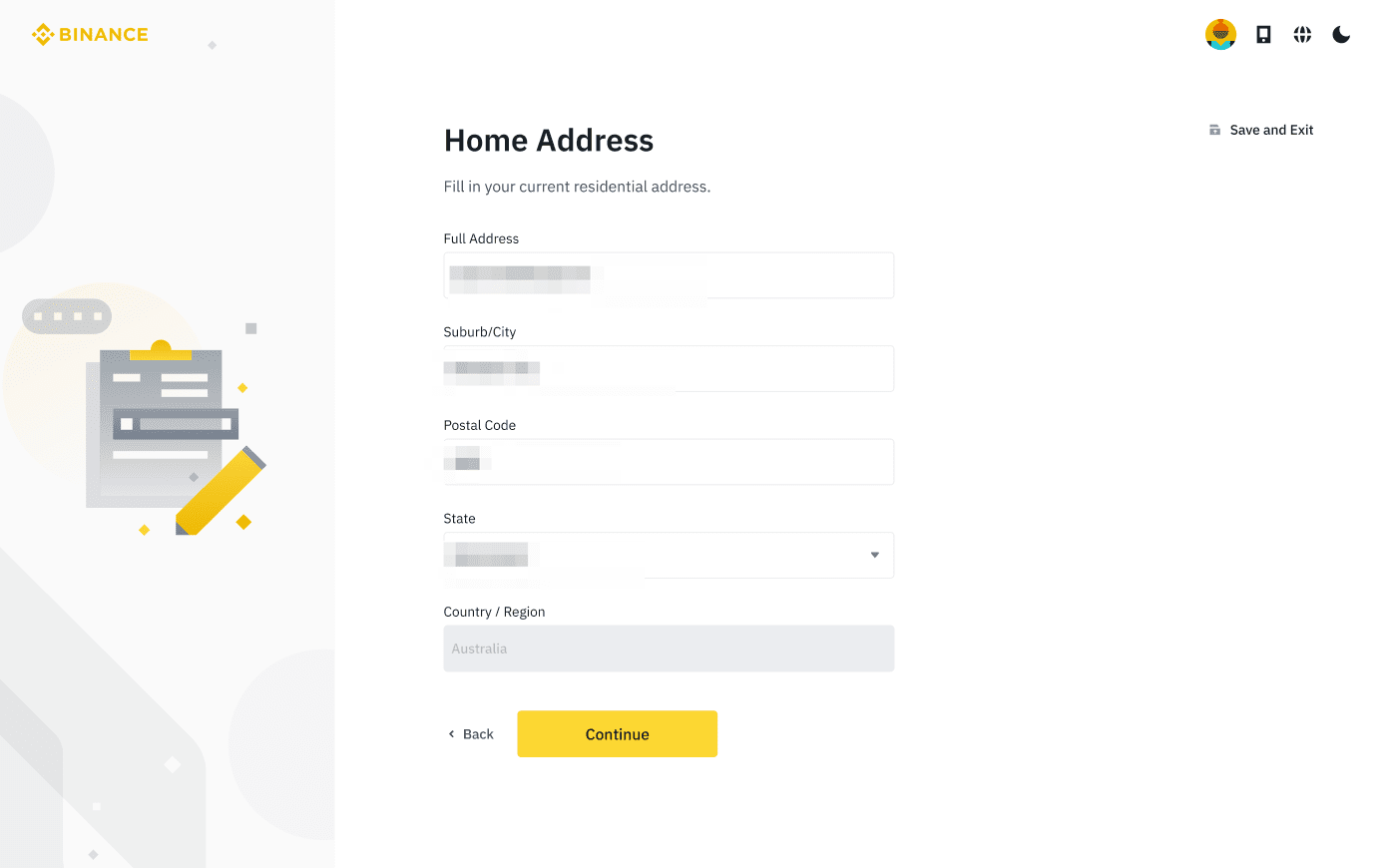
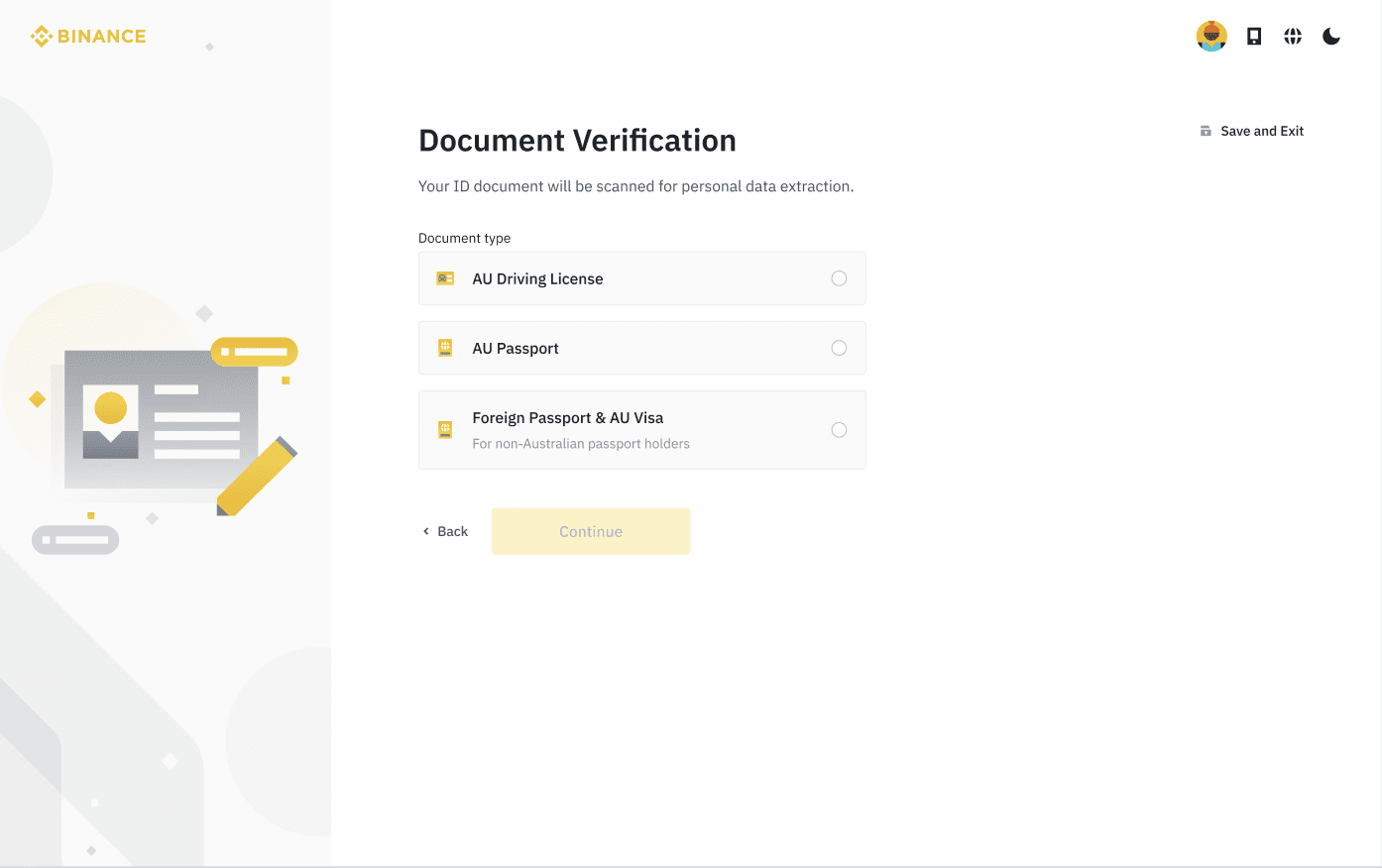
3. Select a document for verification and click [Continue].
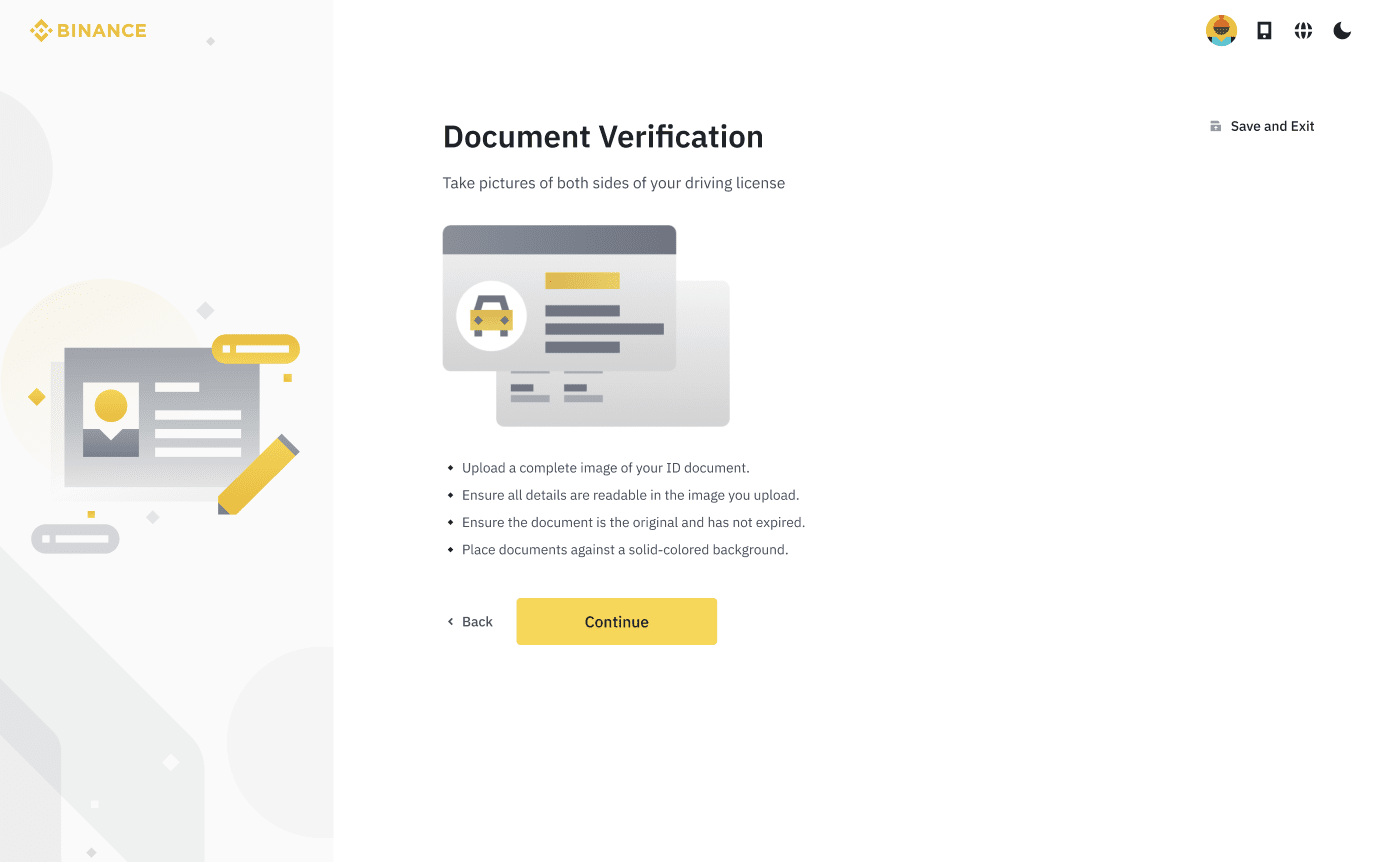
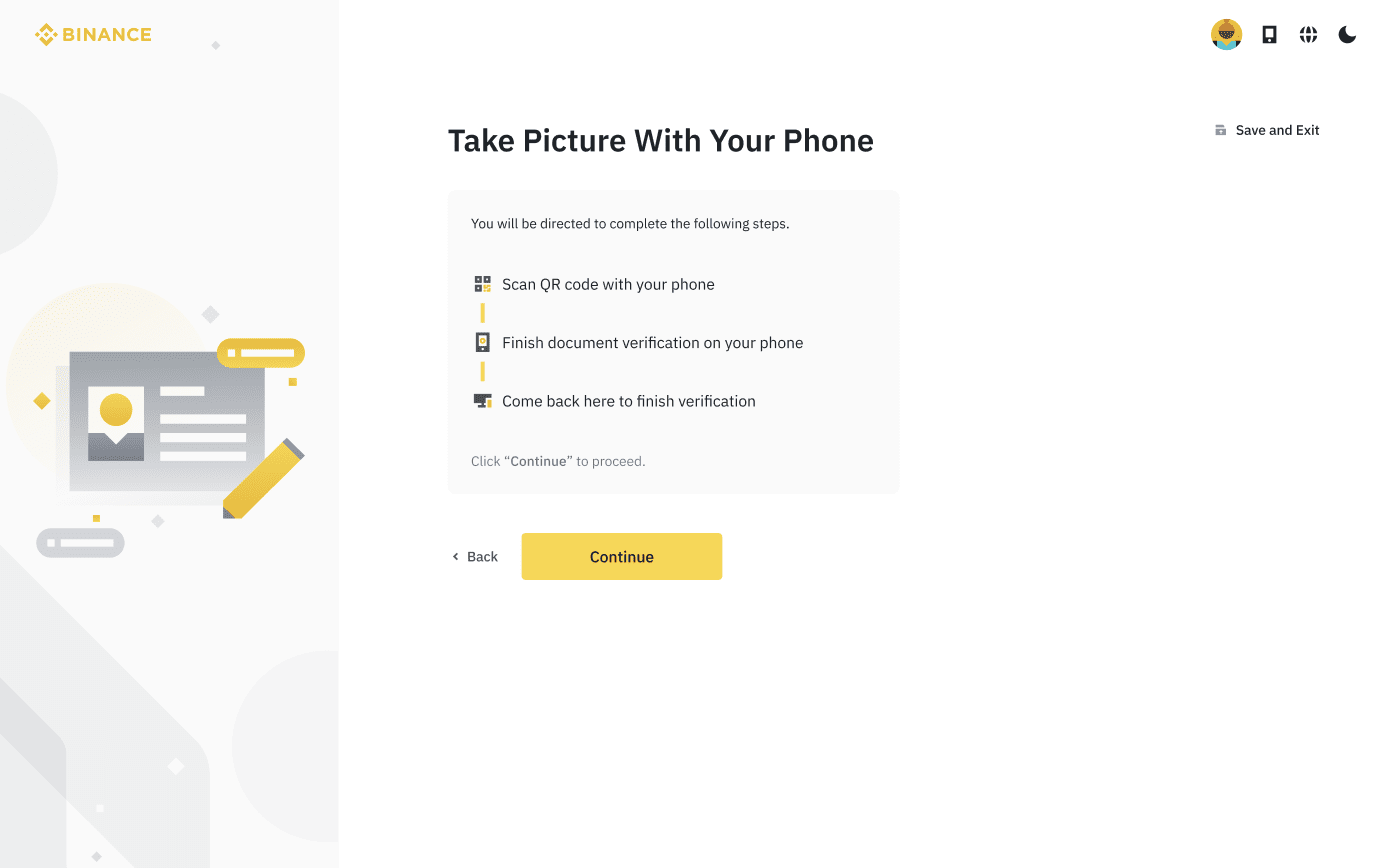
4. Upload a photo of your document or verify through the Binance app. Once uploaded click [Continue].
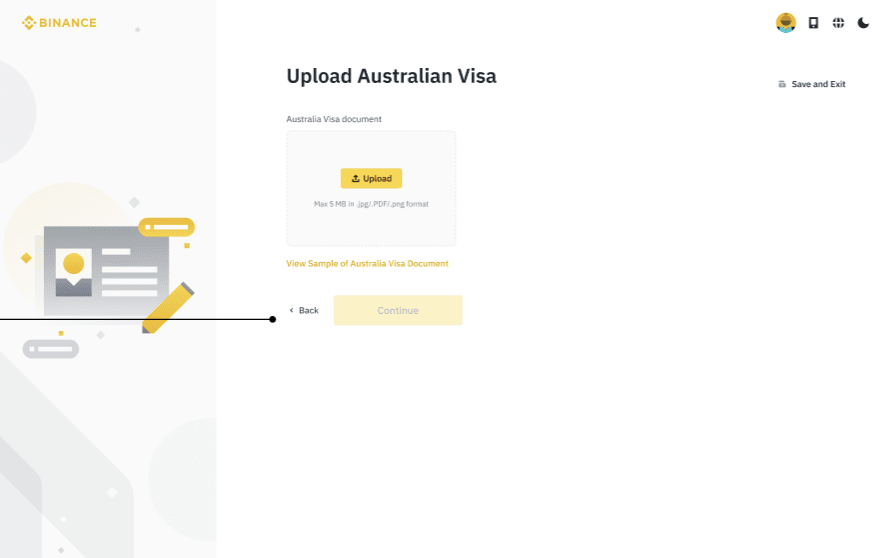
4.1 If [Foreign Passport] is selected, you will be prompted to upload a Visa document.
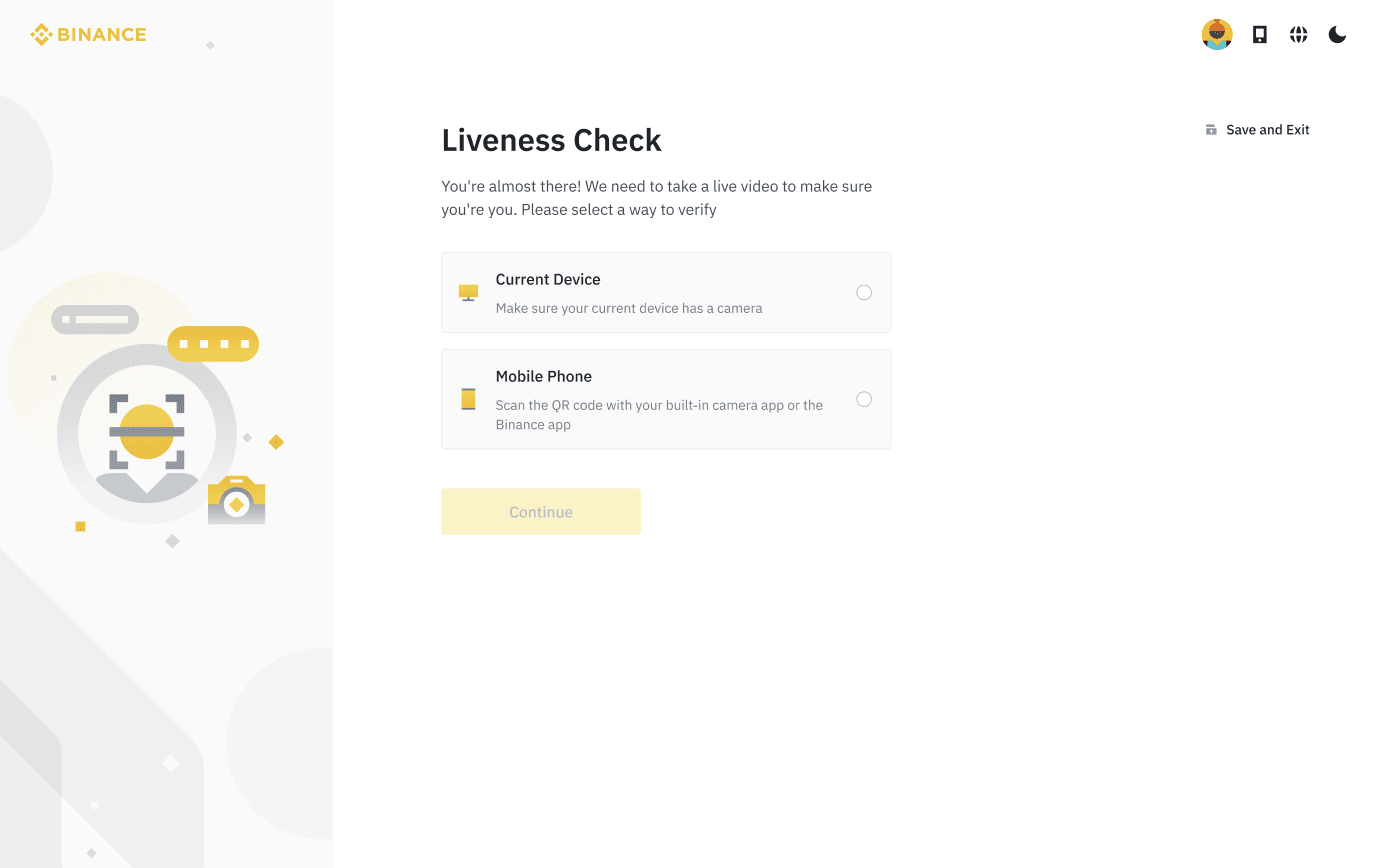
5. Click [Take a Selfie] and click [Continue].
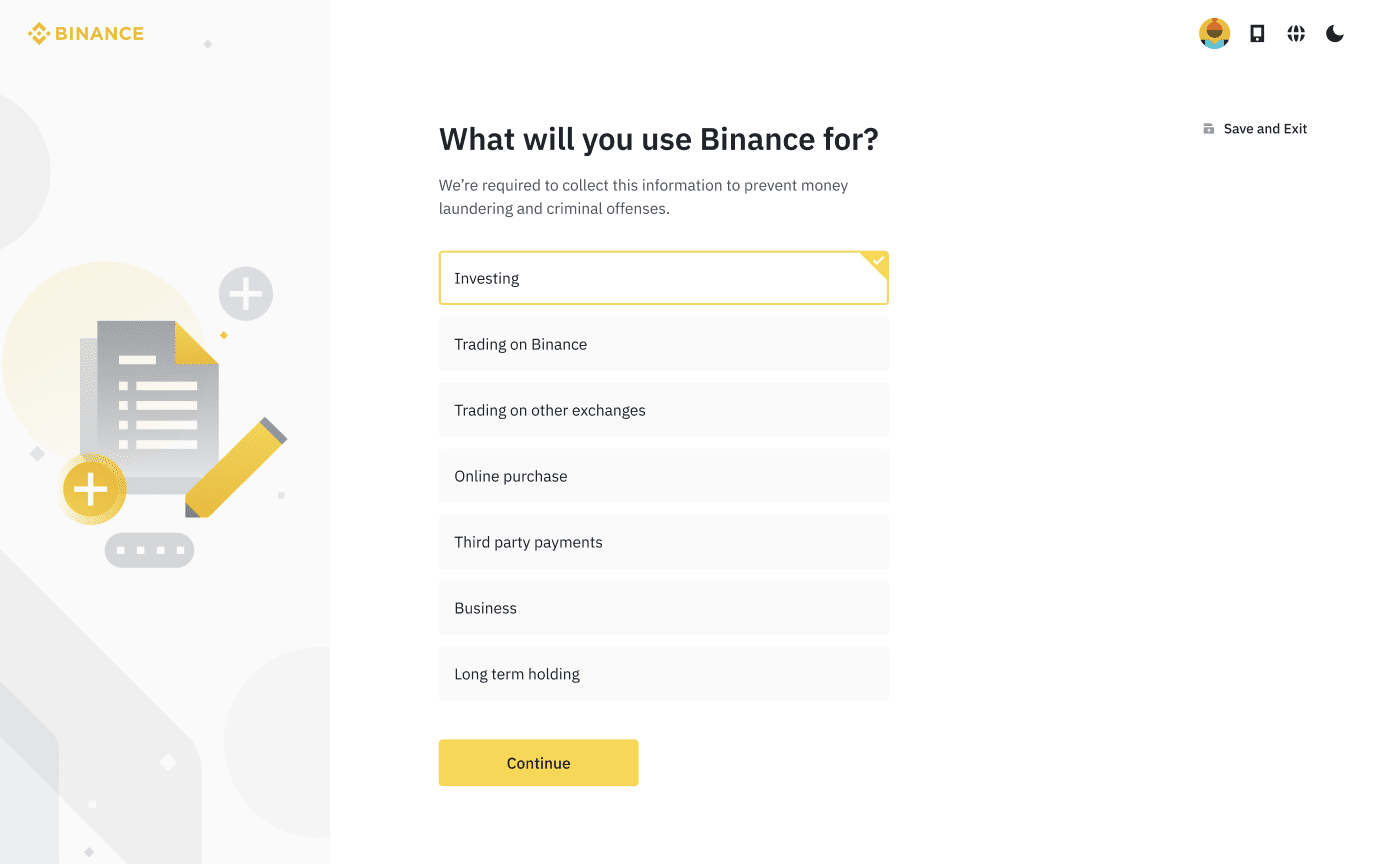
6. Complete the short questionnaire to identify how you intend to use Binance.
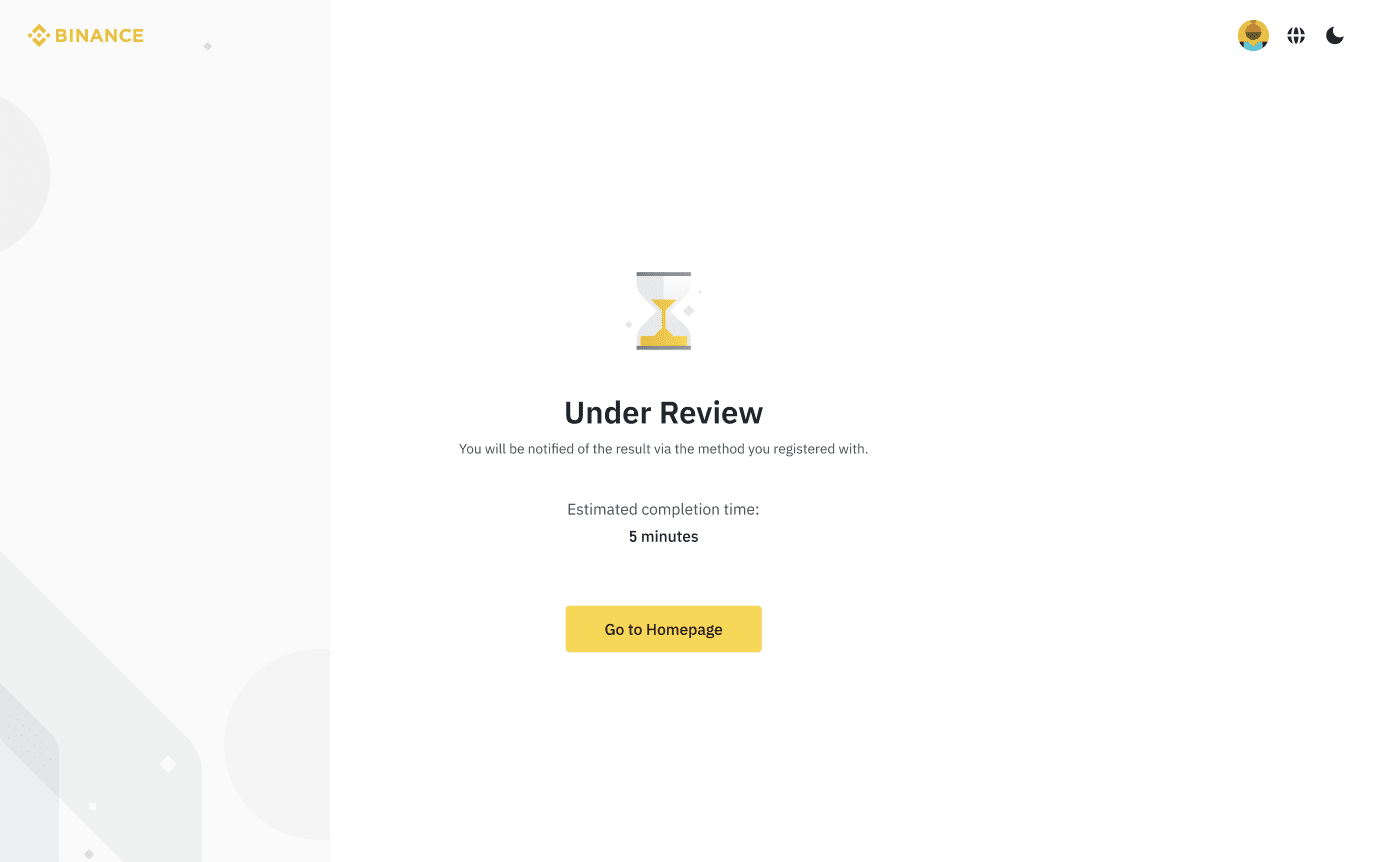
7. Your KYC verification will now be under review. We will email you once verification is complete.
Related Articles
